How It Works
From an idea to a finished course you can share with the world.
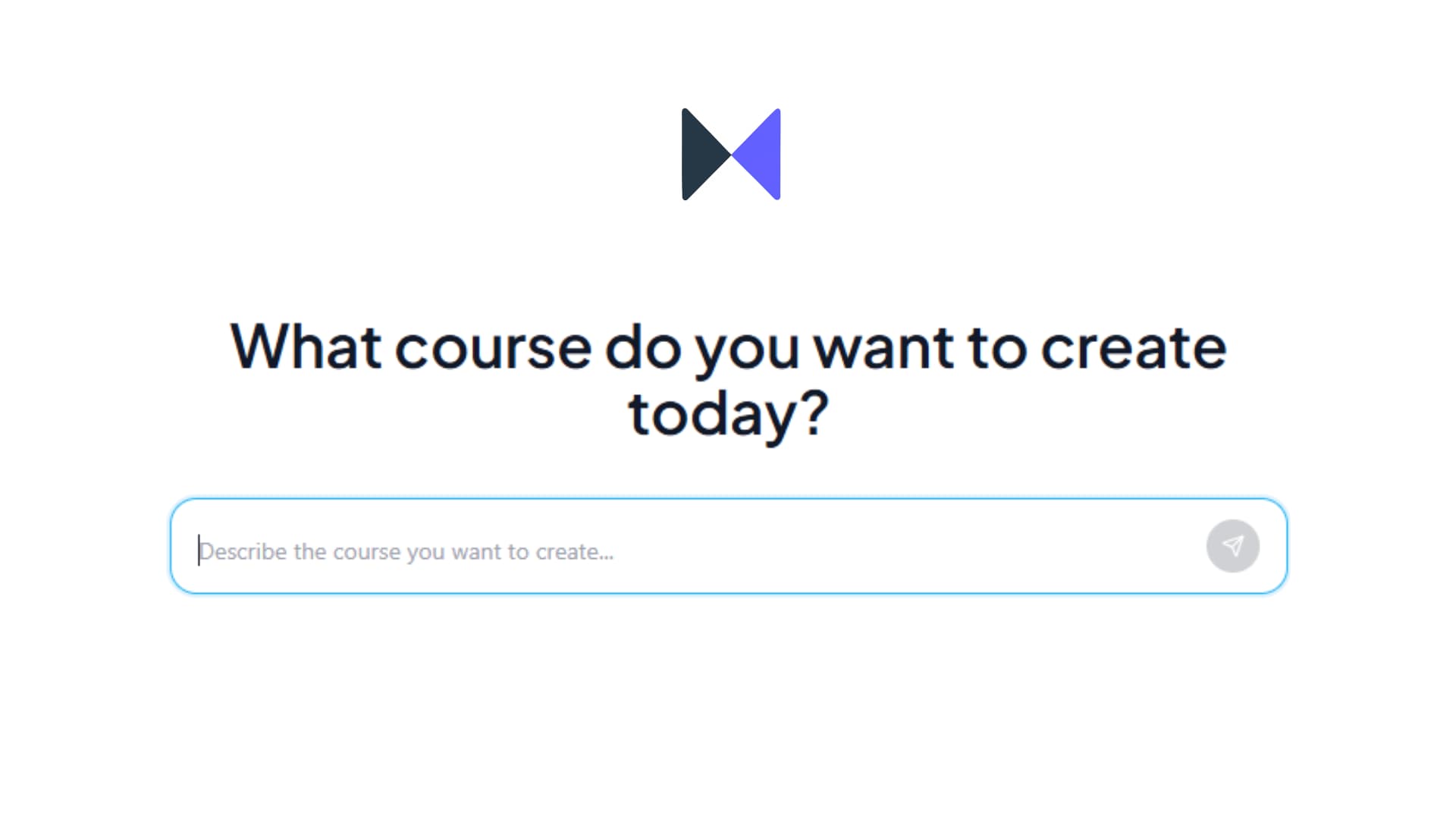
Describe your course in the chat
Start by telling the AI what course you want to build. The more context you give upfront, the better the result - you can wait for questions or just dump everything at once.
- What the course is about and what makes it unique
- Who it is for - total beginners, working professionals, a specific niche?
- What you want learners to actually be able to do after finishing
- Any specific topics or subtopics you want covered
- How long: 0-1 hour, 1-2 hours, or 2-3 hours
- Difficulty level: Beginner, Intermediate, or Expert
Once the AI has enough to work with, it builds the full structure.
Review and edit the structure
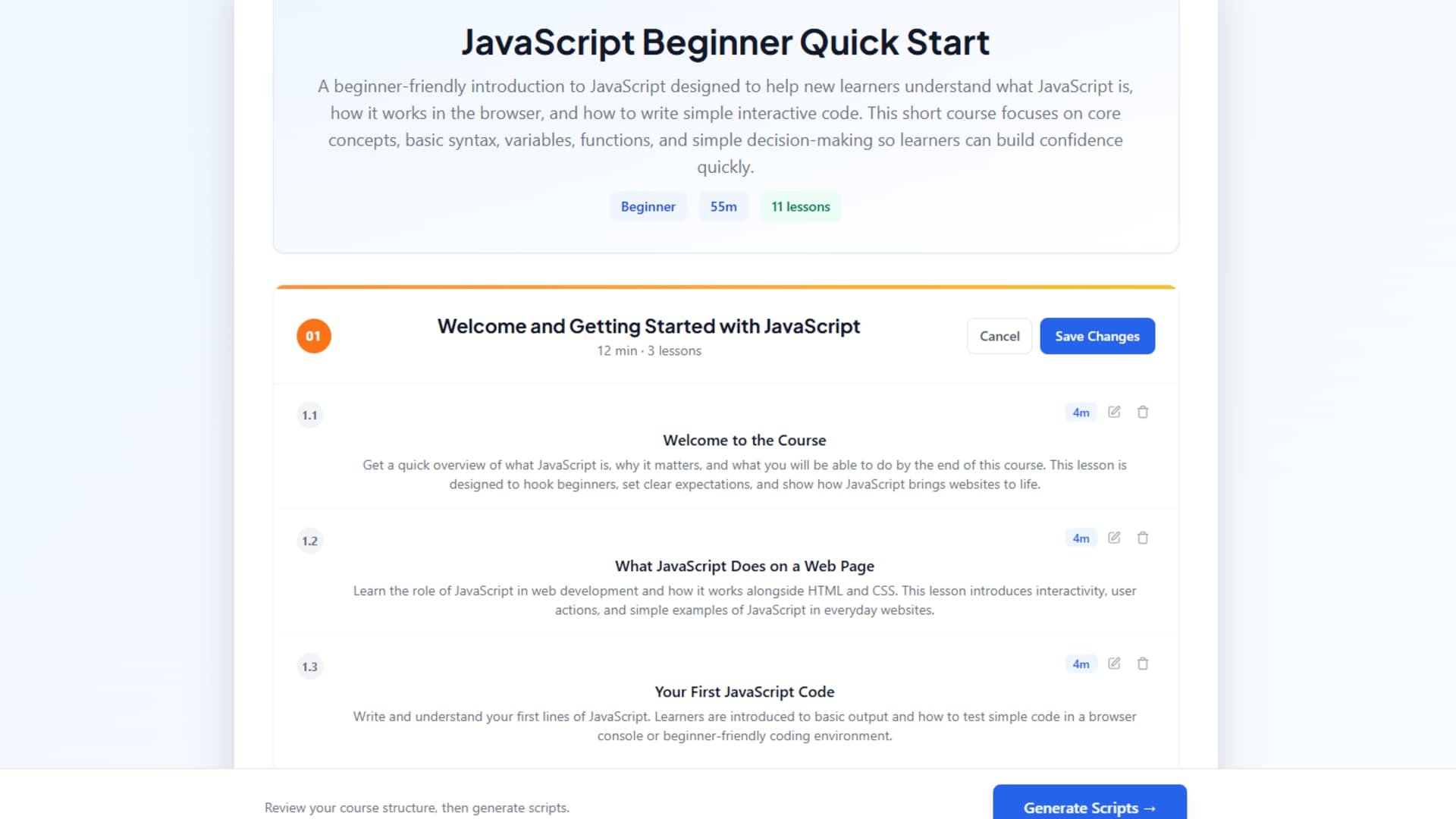
You will see the full outline - modules and the lessons inside each one. Most of the time it is solid, but spend a few minutes making sure it flows the way you want.
- Click the pencil icon on any module to rename lessons, adjust durations, add new ones, or delete any you do not need
- Lessons work best at 5-10 minutes each
- Keep the total course under 3 hours
- When you are happy, click Generate Scripts
It does not need to be perfect here - you can still adjust at the script stage.
Review the scripts
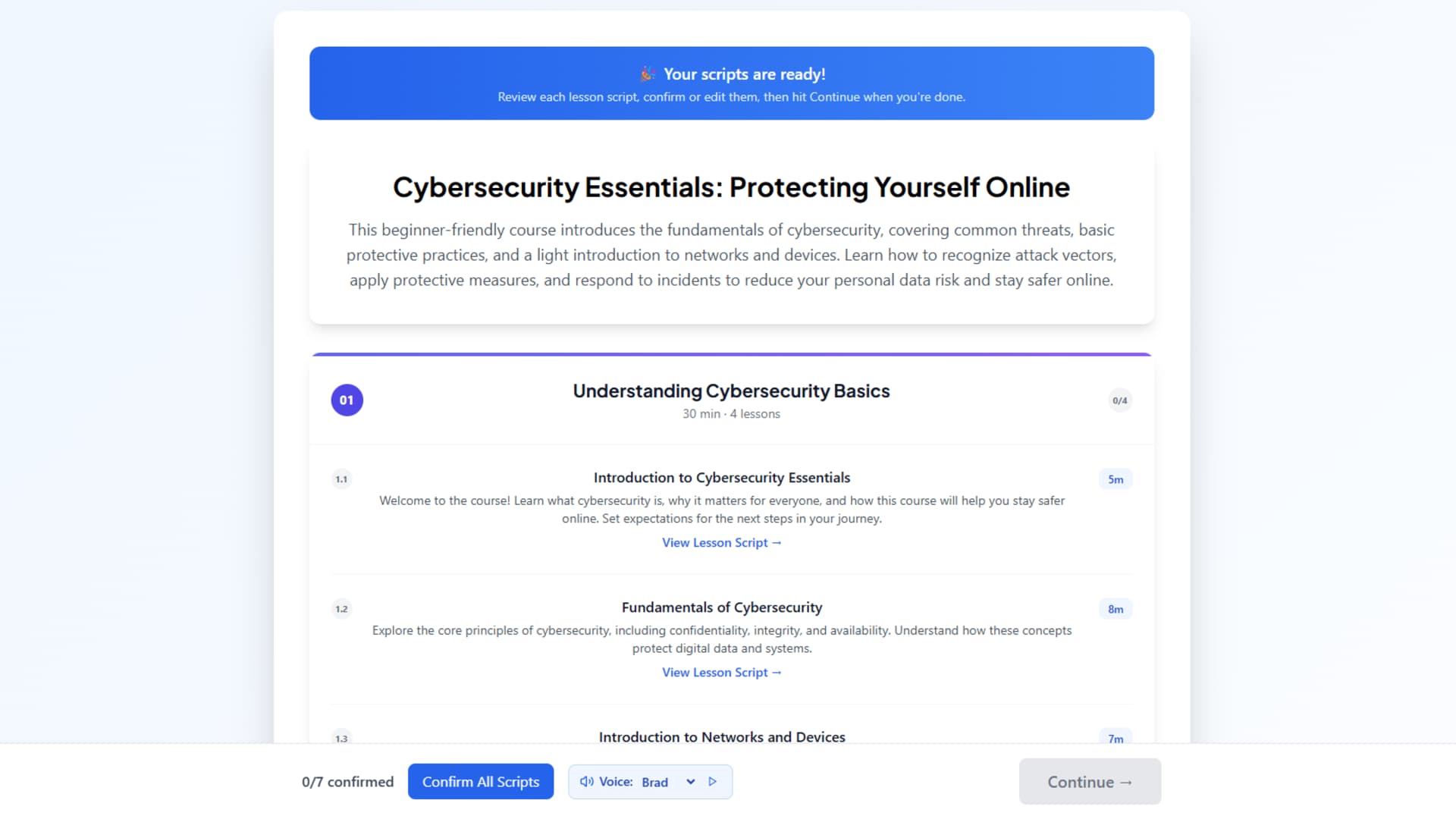
Start reviewing the text while AI writes a full word-by-word script for every lesson - in parallel, so it usually takes just a few minutes.
- Click any lesson card to read its script. Go ahead and confirm the text or change it as you wish
- Choose a narrator voice: Brad, Suzy, Marcus, Emma, Ryan, or Maya - hit play to preview each
- When everything looks good, click Continue
You can confirm all scripts after the text has been generated for every lesson.
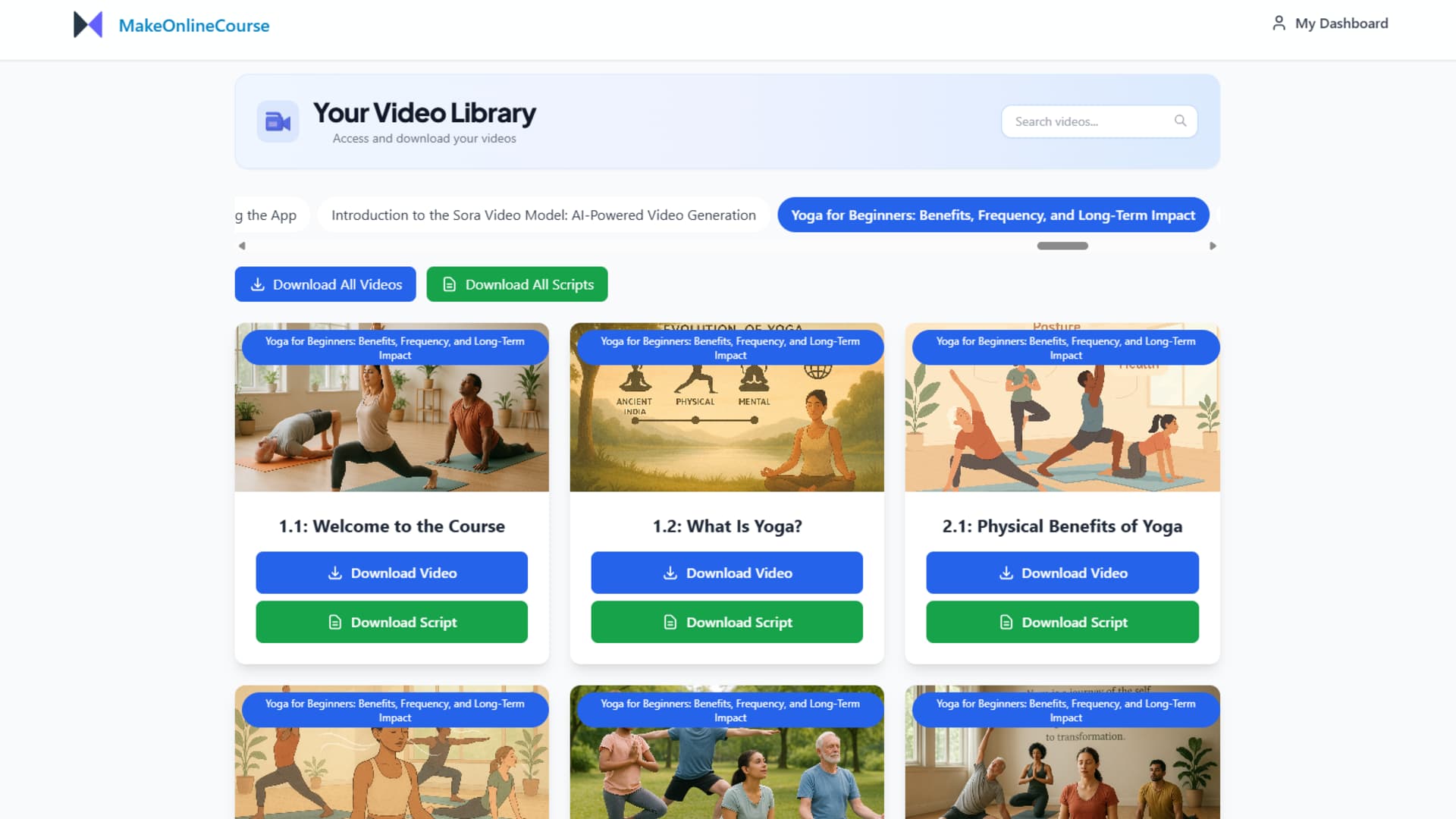
Choose your format and download
Pick video or audio, complete checkout, and the platform does the rest in the background. You will get an email when it is ready.
- Video - full lessons with AI narration, animated visuals and scene images. Typically ready in 30-90 minutes
- Audio - MP3 files per lesson, narrated by the voice you picked. Faster and cheaper, usually 10-20 minutes
- Download from the Video Library or Audio Library in the sidebar once the email arrives
Audio is great for podcast-style courses. Video works better when seeing the content helps - software, design, cooking, etc.
Publish and share your course
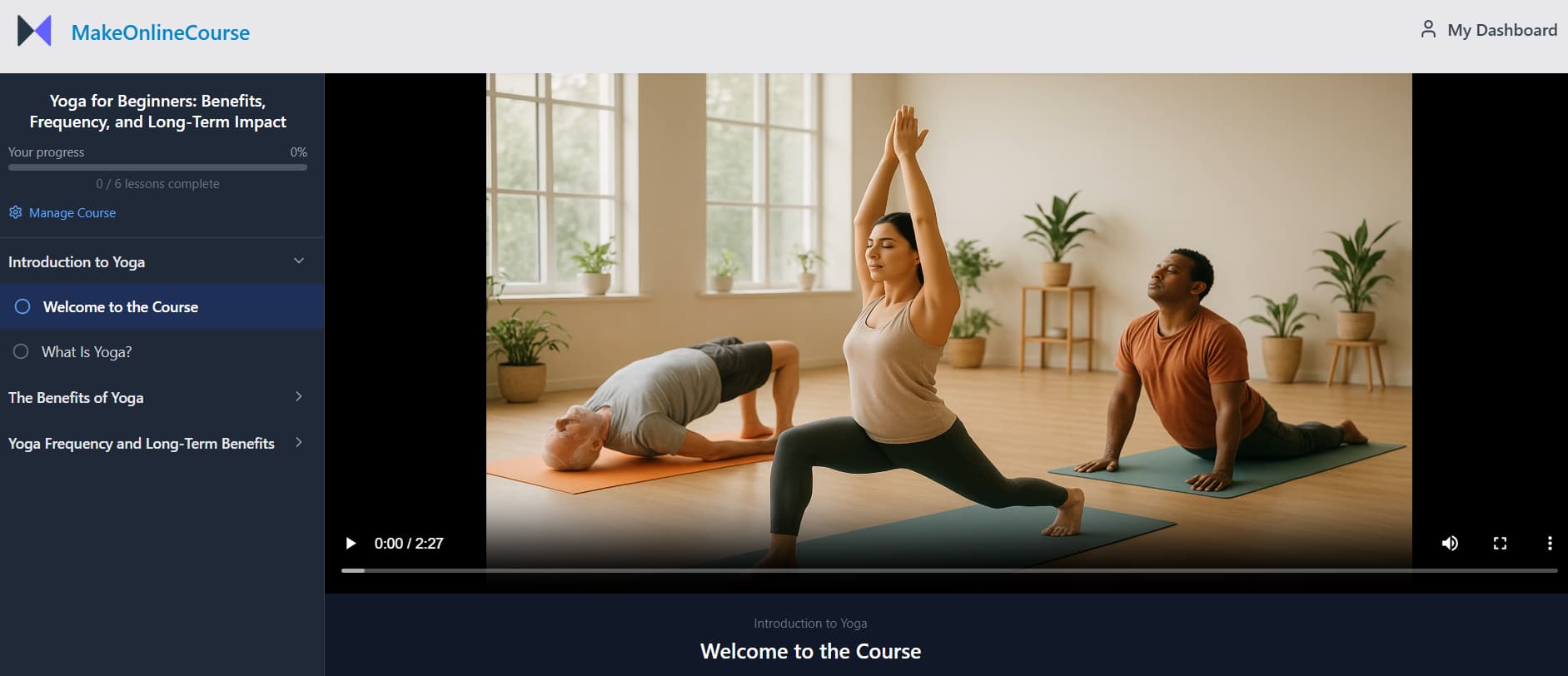
Video courses can be published directly on MakeOnlineCourse with one click. Share your course link and your audience can start watching right away.
- Go to the Publish Center and click Publish once all lessons are ready
- Toggle visibility anytime - keep it private or make it public
- Copy your course link and share it on social media, email, or anywhere else
- See a live viewer count so you know who is enrolled
- Viewers track their own progress automatically and can resume where they left off
This step is optional - you can also download your course and publish it on Udemy, Teachable, or any other platform.
Ready to build?
Head back to the generator and start describing your course.