
How SAP and Power BI Consultants Can Create Training Courses Fast
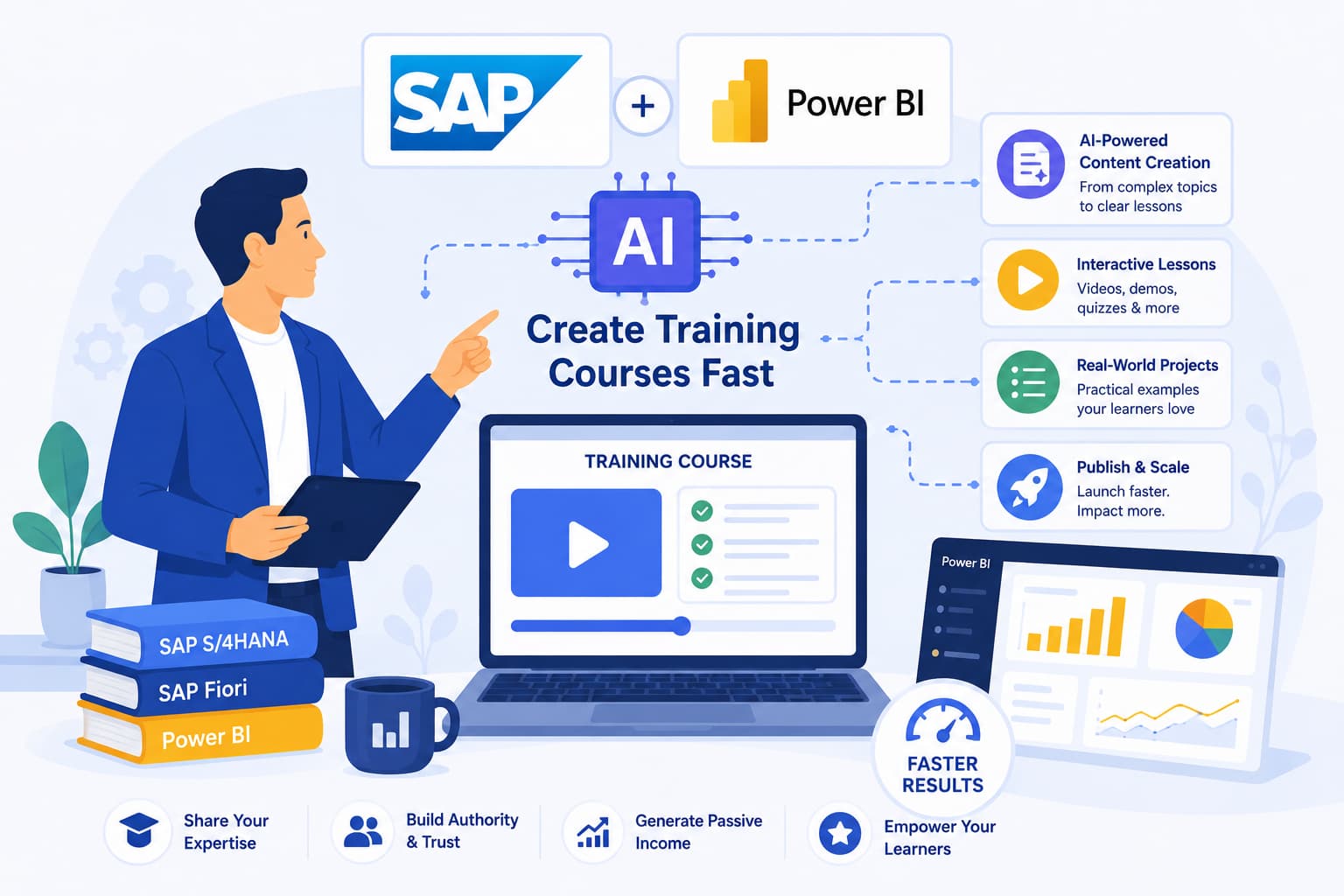
Enterprise software training is expensive to produce and even more expensive to buy. An SAP training program built by a specialized firm can cost tens of thousands of dollars. Licensing content from enterprise learning providers costs organizations thousands per seat annually. And most of it is either too generic - teaching the software without the context of how your organization has it configured - or outdated, because enterprise software updates faster than training content does.
SAP and Power BI consultants have always been the natural solution to this problem - they have the implementation knowledge, the real-world context, and the credibility. What they have not had is a fast way to turn that knowledge into a publishable, professional course. That has changed.
Why Enterprise Software Training Has a Major Content Gap
Enterprise software training has a major content gap: most organizations receive 2-3 days of instructor-led training at go-live and nothing afterward. The moment questions arise about a specific transaction, an edge case in the process, or what happens when a service order doesn't behave as expected, there is nowhere to turn except the consultant (expensive) or a colleague who may or may not know the answer.
Power BI has a similar gap. Many organizations adopt it at the team level, someone learns enough to build dashboards, and then that one person becomes the informal support desk for everyone else. Structured training on DAX, data modeling, or Fabric Cloud integration is rare - and when it exists, it rarely addresses the specific data sources and use cases of the organization.
These gaps represent a consistent demand for training content from people who actually understand the implementation - not generic software instructors, but consultants who have done the work in real organizations with real data.
What an SAP Training Course Can Cover
SAP training content that works well as an AI-generated course includes:
- SAP CS (Customer Service): service notifications, service orders, transaction workflows, installed base management, order completion, reporting
- SAP MM: procurement processes, goods movements, inventory management, purchase orders, vendor management
- SAP SD: sales order processing, delivery management, billing, credit management, pricing procedures
- SAP FI/CO: financial posting, cost center accounting, profit center reporting, month-end processes
- SAP PM: equipment master data, maintenance orders, preventive maintenance planning, breakdown notification
- SAP S/4HANA processes: role-specific workflows for end users across functional areas
What a Power BI Training Course Can Cover
- Foundations: Power BI Desktop installation, interface navigation, connecting to data sources, creating basic visualizations
- Data modeling: star schema design, relationships, cardinality, creating relationships between tables
- Power Query: transforming and cleaning data, M language basics, combining queries
- DAX: calculated columns vs. measures, common functions, time intelligence, filter context
- Advanced visualizations: custom visuals, bookmarks, drill-through, tooltips
- Microsoft Fabric Cloud: workspace setup, dataset publishing, row-level security, collaboration features
- Enterprise reporting: dashboard design, report publishing, scheduling refreshes, KPI monitoring
How to Create an SAP or Power BI Training Course with AI
- 1.Describe the training scope. Be specific about module, audience, and depth level. Example: "CS SAP User Training: Intermediate Workflow - service notifications, service orders, transaction navigation, order completion, and daily productivity for field service technicians."
- 2.Review and adjust the curriculum. The AI generates a module-by-lesson structure. Add the specific transactions you need to cover, remove anything outside the scope of the role you are training, adjust depth to match the audience's experience level.
- 3.Edit lesson scripts. Add specific transaction codes, menu paths, field names, and step-by-step instructions from your implementation. Include common user errors and how to handle them. Add context from real-world examples - what happens in each scenario and why the process works the way it does.
- 4.Process and distribute. Choose video ($99) or audio ($19). Share the course with end users through your LMS, client intranet, or MakeOnlineCourse's built-in viewer.
How SAP and Power BI Consultants Use Their Courses
SAP and Power BI consultants use their courses in two ways: as internal training delivered directly to client end users, and as external courses sold publicly to professionals seeking enterprise software skills. Internal training for client organizations: rather than delivering the same onboarding session multiple times to different groups of end users, create it once and let the course handle delivery. This frees your consulting time for higher-value work while ensuring consistent training quality across the organization.
External course sales: Sell your SAP or Power BI training publicly - on Udemy, LinkedIn Learning, or your own platform. Enterprise software skills are consistently among the highest-demand technical training categories. A well-reviewed SAP CS course or Power BI advanced course from a practitioner with real implementation experience commands attention and premium pricing.
For more on building a consulting-based course business, see our page for consultants or read how consultants can scale revenue through courses.
Frequently Asked Questions
What SAP modules can be covered in an AI-generated training course?
MakeOnlineCourse can generate training content for any SAP module based on your topic description - including SAP CS (Customer Service), SAP MM, SAP SD, SAP FI/CO, SAP PM, SAP HR, and SAP S/4HANA processes. You describe the specific transactions, workflows, and user roles your training covers, and the AI structures it into a logical course. You then edit the scripts to add transaction screenshots, step-by-step procedures, and organization-specific configuration details.
Can Power BI training courses cover advanced topics like DAX and Power Query?
Yes. The AI generates detailed content for all levels of Power BI training - from installation and basic visualizations through data modeling, DAX calculations, Power Query transformations, Fabric Cloud integration, and advanced publishing and governance. Users who have built Power BI training with MakeOnlineCourse have covered everything from basics to enterprise reporting.
How do I include screenshots and step-by-step guidance in a video course?
The video course output includes AI-generated visuals with your narrated scripts. For software training, the most effective approach is to use the AI-generated course as the instructional layer (explaining concepts, processes, and why each step matters) and supplement with screen recording demonstrations for specific transaction walkthroughs. Many trainers distribute both together - the main course for learning, the screen recordings for reference.
How much can SAP and Power BI trainers charge for their courses?
Enterprise software training commands premium pricing. SAP courses on platforms like Udemy typically sell for $12-$25 after discounting, but direct sales through your own site or LinkedIn can reach $97-$497 per course. Power BI courses at intermediate to advanced level typically sell for $49-$197. Courses targeting specific roles (e.g., 'SAP CS for Service Technicians') or specific industries outperform generic software training.
How do I keep training content current when SAP or Power BI releases updates?
You return to MakeOnlineCourse, edit the affected lesson scripts to reflect the changes, and regenerate just those lessons. You are not rebuilding the entire course - only the sections that changed. This is significantly faster than re-recording screen captures or updating agency-produced content.
For consultants who want to produce the course without a studio or production team, MakeOnlineCourse can take you from topic description to a complete narrated video or audio course in a few hours.
Related posts
- How Consultants Can Scale Revenue by Turning Their Methodology Into a CourseStop trading time for money. Package your OCM, SAP, Power BI, or management methodology into a professional course with AI - build once, earn indefinitely.
- How to Create Employee Training Courses with AI (No eLearning Experience Required)HR and L&D managers: create custom onboarding, compliance, and software training with AI - professional video or audio in hours, at a fraction of agency cost.
- Best AI Course Creation Tools in 2026 (Honest Comparison)Compare the best AI tools for creating online courses - scripts, video, voiceover, and full automation. Find out which one fits your workflow.